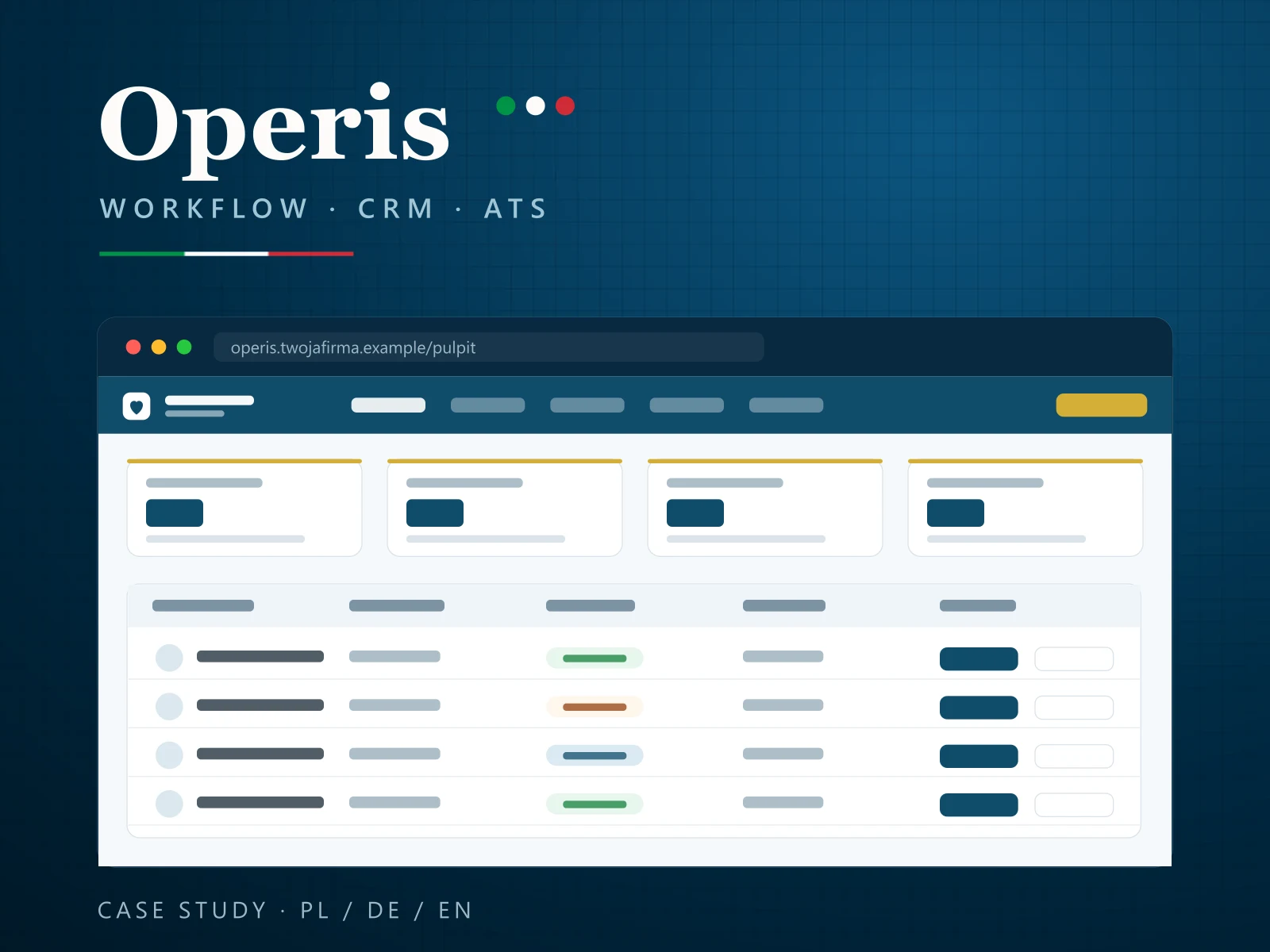
Case study · Custom web application
Operations system for a workforce & staffing company
Workflow, CRM and ATS in one flexible system for managing field personnel (incl. care) — designed, built, deployed and maintained by Primessio. One of many applications we have shipped.
Primessio is a software house based in Warsaw: websites and online stores, custom software and IT systems, SEO and AI SEO, social media and content, branding and project management — for clients in Poland and the DACH region. Below is one of our projects.
Product demo
Anonymised screens — the same templates and styles as production, sample data. Autoplay · PL / DE / EN. · Open the demo in a new window ↗
The challenge
A growing staffing company (incl. care) ran recruiting, personnel rotations and client service on spreadsheets, email and team memory. Data drifted, deadlines slipped, and every document was made by hand.
On top of that: formal requirements (filings, document validity), several cooperation models, multilingual CVs and full GDPR compliance — all on shared hosting, with no heavy infrastructure.
The solution
One flexible system: a talent database (ATS) and client relationships (CRM) tied together by a workflow engine that moves each order through its whole lifecycle — automatically and fully audited.
Plus a multilingual document generator, address‑data automation, deadline reminders, and security and GDPR built in from the ground up.
Scope — what we delivered
Workflow engine
Order lifecycle: state machines with automatic transitions and full history.
CRM
Client and partner relationships, proposals and decisions, conflict guards.
ATS
Talent database with filters, automatic match scoring and consent status.
Document generator
Multilingual CV/PDF in one click, language‑specific logo, GDPR: first name only.
Data automation
Address autocomplete postcode ↔ city (multiple countries) from offline dictionaries.
Compliance & deadlines
Automatic reminders, rules depending on the cooperation model.
Security & GDPR
Roles and permissions, operations audit, data processed in the EU.
Role dashboard
HR / Partner / Administrator views with KPIs and deadline alerts.
The full chain — what Primessio delivered
Primessio runs projects from analysis to campaign, in one place. In this project we delivered:
-
Analysis
Order, staffing and consent processes in a staff placement company.
-
Concept
Data model, workflow state machines and user roles.
-
Build
CRM, ATS, workflow engine and document generator.
-
Measurement and growth
Roll-out, maintenance and further modules.
The other stages — Content · SEO, AEO and LLM · Campaigns — are also part of our full service. See how full service works →
How it works — step by step
This is the system in day-to-day work: first through the eyes of the recruiting and order-handling team, then through the eyes of the owner, partners and the administrator. It matches the anonymised product demo above — the screens come from the application, the data is sample data.
Recruiting and order-handling team
-
Starts the day on the dashboard
After signing in, each person sees the view for their role: key figures, unstaffed orders and contracts in preparation. Deadline alerts show which dates fall due this week, before anyone has to remember them.
-
Picks up applications from the website
Applications from the form on the company website arrive in real time over a secure, signed link. Each is linked to the vacancy it answers and automatically matched to anyone already on file.
-
Enters data without duplicates
On entry and on import the system catches duplicates by phone number and e-mail and asks for a decision: merge the differences, hold the record in the register, or create it separately. Addresses complete themselves (postcode ↔ town, several countries), phone numbers are normalised and every record keeps its origin.
-
Finds the right person for an order
In the talent database the team filters by language, availability and experience, and match scoring suggests the best-fitting people. Priority, exclusions and GDPR consent status sit next to each person, so nobody is proposed by mistake.
-
Produces the CV in three languages
One click turns the same data into a CV in Polish, German and English, with the language-specific logo and one brand template. The client only ever receives the worker's first name — GDPR in practice.
-
Takes the proposal through to placement
In the CRM the team sees the client relationship and the status of every decision. A hard conflict guard enforces “one person — one period”, and business rules stop an error before it reaches the contract.
Owner, partners and administrator
-
Every order runs through the workflow
State machines move each order through its lifecycle — open, contract, in progress, completed — with automatic transitions. The full history shows who changed each step, and when.
-
The system keeps track of deadlines and obligations
Automatic reminders cover filings and document validity, and the rules follow the cooperation model. A registry of providers and their permissions keeps the formal side in order.
-
Each role sees what it needs
The HR, Partner and Administrator dashboards show the figures and alerts for that role. Permissions decide who may view and change personal data.
-
Security is built in
Roles and permissions, a full audit trail, form and password protection and a limit on sign-in attempts. Data is processed in the EU, and deletion is reversible — the archive acts as a safety net.
-
Running costs stay low
The system runs on ordinary shared hosting: minimal dependencies, no vendor lock-in, and PDF documents rendered locally in the browser.
Capabilities and extension options
The system is modular. These are modules we can add when building it for your company — the scope is matched to your cooperation model, the number of roles and the tools you already use.
Options for a client build — not part of the project shown.
Candidate portal
We can add an account for candidates and staff: updating availability, uploading documents, and checking the status of their application and proposals — under the same GDPR rules as the rest of the system.
Business benefit: Fewer calls and e-mails chasing information, and what candidates provide reaches the database without retyping.
Electronic contract signing
We can connect the document generator to an e-signature service: the contract is built from the order data, signed online, and the signed copy returns to the order file.
Business benefit: Contracts signed without printing or posting, with no doubt about which version applies.
Accounting integration
We can pass data from completed orders to your accounting software or accountant — as a file export or through that system's programming interface.
Business benefit: Month-end without copying orders and rates by hand.
Mobile app for field staff
We can add an app installed straight from the browser (PWA) for people working on site: order details, documents to view, and confirmations and reports sent from the phone.
Business benefit: Staff carry the information they need, and coordinators get confirmations straight away.
Extended reports and KPIs
We can add periodic reports for management and partners — order staffing, time from application to placement, candidate sources — with export to a spreadsheet or PDF.
Business benefit: Recruiting and partnership decisions based on data from a single source.
Document expiry reminders for staff
We can extend the internal alerts with e-mails or text messages sent directly to workers when their documents are about to expire.
Business benefit: Documents renewed in good time, without anyone ringing round.
Partner API
We can give partners a programming interface with permission control: orders, statuses and proposals exchanged between systems, with every call audited.
Business benefit: Working with partners without swapping spreadsheets, and the same data on both sides.
Single sign-on (SSO)
We can connect sign-in to the identity provider your company already uses, with roles assigned centrally and access removed automatically when someone leaves.
Business benefit: One password for the team, and certainty that access ends when employment does.
Outcomes
How we work — agile
Go‑live is not the end but the beginning. We work together, in short cycles, continuously adapting the tool to the real work and optimizing resources.
Discovery
We map the process, roles and business rules — before any schema.
Design
Data model, flows and UI — decisions for real resources and hosting.
Build
Short sprints, fast feedback, continuous adaptation of requirements.
Go‑live
Production, migrations and empirical verification of every change.
Run
We keep evolving and optimizing — the tool keeps pace with the company.
Technology
Deliberate choices for shared hosting and GDPR: minimal dependencies, no vendor lock‑in, data in the EU. PDF rendered locally in the browser.
- Web application
- Relational database
- Front controller
- DB migrations
- CSP / CSRF
- RBAC + audit
- PDF preview
- GeoNames (offline)
- GDPR / EU
- PL · DE · EN
Frequently asked questions
What does a custom web application like this include?
The system combines three layers: a workflow engine (order lifecycle with automatic status transitions), CRM (client and partner relationships) and ATS (a talent database with filters and match scoring). Plus a multilingual PDF generator, address‑data automation, deadline reminders, and roles with a full audit log.
How long does it take to build a system like this?
We work in short sprints — the first working modules reach production early, and the system grows iteratively with the company's needs. How long the whole build takes is driven not by the coding but by the scope: the number of processes, data quality in the legacy system, and how quickly the business side can review. Scope and timeline are agreed during discovery, before the first line of code.
Is the system GDPR‑compliant?
Yes — GDPR compliance is built in from the ground up: data is processed in the EU, access is controlled by roles and permissions, every operation is written to an audit log, and the end client only ever receives the worker's first name.
Do we need expensive infrastructure?
No. The system was designed for ordinary shared hosting: minimal dependencies, no vendor lock‑in, and PDF documents rendered locally in the browser. Low running costs were one of the project requirements.
What happens after go‑live?
We treat go‑live as the start of the partnership. We run and evolve the system in an agile model — new requirements feed into the next sprints, and the tool keeps pace with the company's changing processes.
How much does a custom web application for staff management cost?
The price depends on scope: the number of processes and roles, integrations with the tools you already use, the number of document languages, and the quality of the data to be migrated. We prepare a quote after discovery, once we know the process and the list of modules — before that, any figure would be a guess.
Can the system be adapted to my company?
Yes. The system shown is a pattern, not an off-the-shelf package: order statuses, cooperation models, deadline rules, matching criteria, roles, document templates and languages are set up around the way your company works. The same structure — talent database, client relationships and order workflow — suits companies whose staff work at client sites, not only in care.
Will it connect to the tools we already use?
Usually, yes. The application form on the company website is already connected over a secure, signed link; the system can be linked to accounting, e-signature, e-mail or calendars in the same way — by file export or through each tool's programming interface. The list of integrations is agreed during discovery.
Can we migrate our data from spreadsheets?
Yes. Imports go through the same checks as manual entry: duplicates are caught by phone number and e-mail, phone numbers are normalised and the origin of every record is stored. Where a record is in doubt, a person decides — merge the differences, hold it in the register, or create it separately.
Which languages do the system and its documents support?
The interface and documents work in Polish, German and English. A CV is produced from one data source in all three languages, with the logo in the matching language version. Another language can be added during the build.
Services used in this project
Got a process that's begging for its own system?
We will design, build, deploy and maintain an application tailored to your work — built on flexible management systems and 20 years of team experience.
Let's talk